

AI MVP Development: How Startups Validate AI Products Faster
Learn how startups build and validate AI MVPs faster using modern AI infrastructure and LLM technologies.
September 1, 2026
•
6
min read
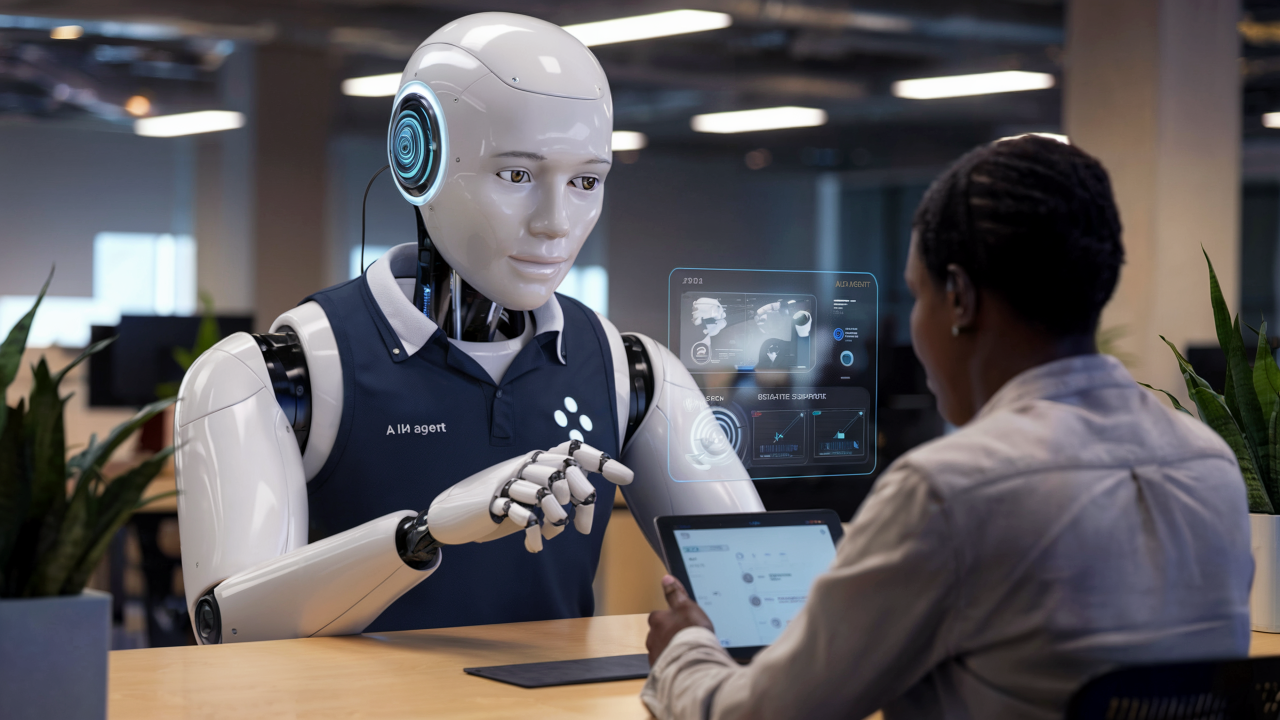

For a while, the AI stack felt like a bunch of brilliant specialists duct-taped together. GPT-class models could write, reason, summarize, and generate code, but they needed help “seeing.” Image models could produce beautiful visuals, but had no real product logic. Speech models could transcribe, clone, or synthesize voice, but context often disappeared the moment the workflow moved from audio to text.
That split is starting to look outdated.
Architecture shifts happen when multimodal AI enters the scene. Instead of handling text, speech, visuals, and moving images through isolated pathways, these systems merge inputs into one unified processing space. Leading models aim at forming a shared understanding core, where meaning comes before expression. From that base, responses emerge in documentation, UI mockups, voice output, video summaries, code snippets, charts, or agent actions.
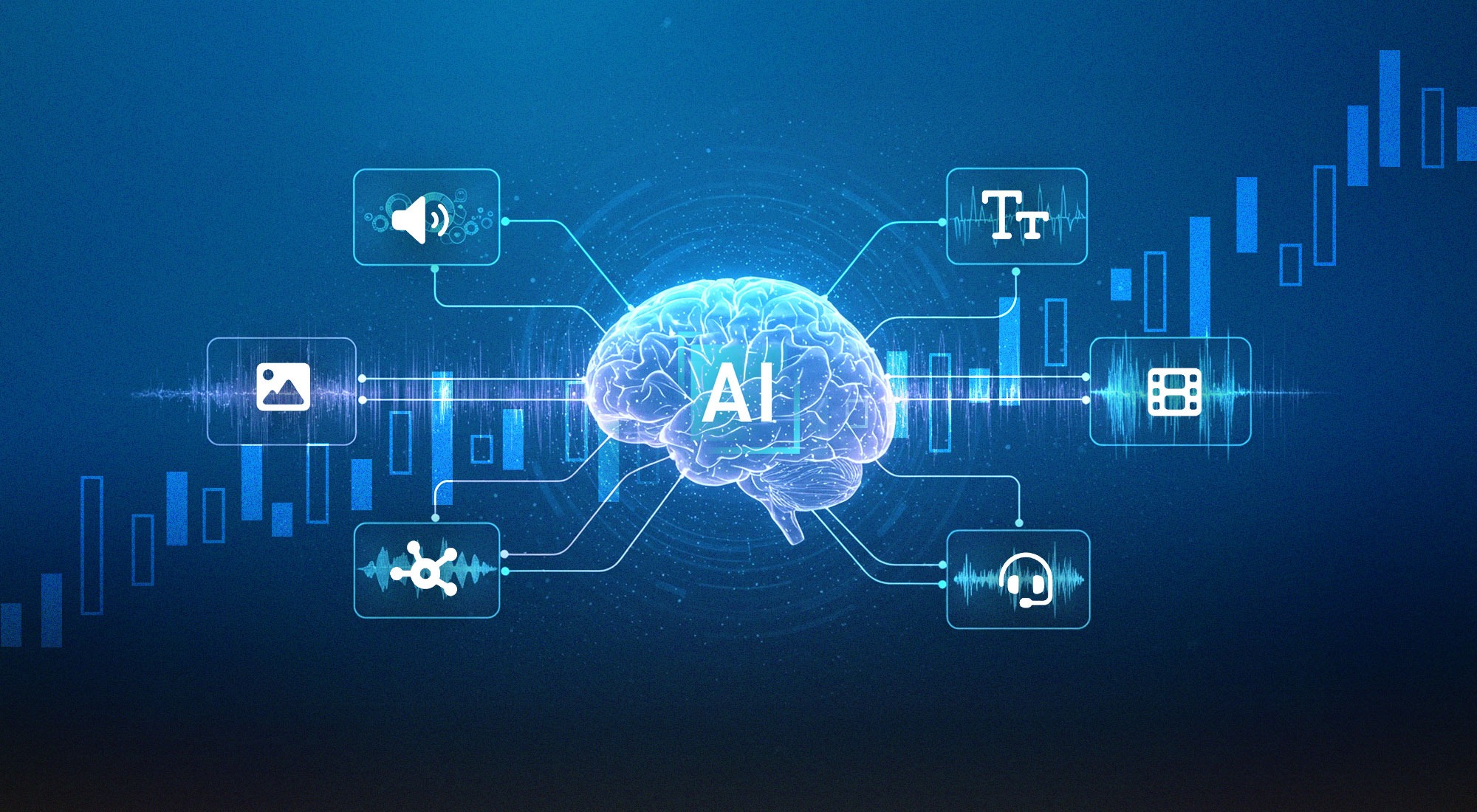
Source: https://trendsresearch.org/insight/the-investment-landscape-of-multimodal-ai
So the question doesn’t stand on whether AI can generate text, images, audio, or video. It can. The real question is what happens when products start building around unified intelligence from the beginning.
Stanford HAI defines multimodal AI as systems that can process, understand, and generate multiple data types at the same time, including text, images, audio, and video. The important word here is combine. A proper multimodal system does not treat every file as a separate task. It uses different modalities to build a richer understanding of the same situation.
Older AI workflows often looked like this:
speech-to-text → LLM → image model → video model → another LLM → output
That works, but it is fragile. Every handoff can drop context. Tone disappears. Visual details get simplified. Audio intent gets flattened into a transcript. The product becomes a chain of adapters rather than a single intelligent workflow.
Multimodal AI eases that friction because the system can act more like how users communicate. People do not think in “modalities.” They send screenshots, speak half-finished thoughts, upload PDFs, draw boxes around problems, paste logs, and expect the product to understand the whole mess.
It’s no wonder that multimodal AI is laying the groundwork for next-generation AI apps. They will know exactly what the user is doing, what is visible on the screen, what was said, what file was uploaded, what changed in the workflow, and whatever action needs to be taken next.
Text is still the control plane of most multimodal AI systems. The orchestration usually comes back to language: user intent, system instructions, retrieved context, structured output, tool calls, logs, and agent memory. That is why text remains the default interface for reasoning-heavy workflows.
In current model stacks, text handles things like:
Source: https://www.genzai.nl/algemeen/automatic-text-generation-using-artificial-intelligence/
A support agent, for example, can read a user complaint, inspect a screenshot, check the session log, and return a structured bug report. The final output may be text, but the reasoning path is multimodal.
Modern APIs also make text useful as a routing layer. Gemini docs, for example, support structured outputs like JSON. It is especially useful when the AI response needs to move into a backend system and not stay inside a chat bubble. Google also describes Gemini Embedding 2 as a multimodal embedding model that maps text, images, video, audio, and PDFs into one embedding space for semantic search and RAG.
That is the baseline for next-gen products: text is not “the AI app.” Text is the instruction layer inside a wider context engine.
OpenAI’s Realtime API is designed for low-latency multimodal applications with models that support speech-to-speech interactions, audio, image, and text inputs, plus audio and text outputs. Google’s Gemini Live API also focuses on native audio capabilities for real-time interaction, while Google DeepMind describes Gemini 2.5 as natively multimodal across text, images, audio, video, and code.
For voice AI apps, that changes the product design. Instead of building voice as a bolt-on feature, teams can build flows around interruption, turn-taking, emotional tone, noisy environments, and continuous context.
Real use cases already include:
Source: https://www.calldock.co/blog/what-is-ai-voice-agent
The technical stack usually includes:
The hard parts are still very real: accents, overlapping speakers, background noise, latency budgets, consent, call recording rules, and hallucinated actions. A voice agent that sounds smooth but books the wrong appointment is worse than a slow chatbot.
So the rule is simple: use voice when speed, hands-free interaction, emotion, or accessibility matters. Do not use it just because the demo feels nice.
Current models can inspect screenshots, product photos, UI states, charts, diagrams, scanned documents, medical-like images in restricted contexts, warehouse photos, receipts, and design assets. Claude’s vision docs describe image understanding as a way to support multimodal interaction, including analysis of visual content. Anthropic also notes that Claude Opus 4.7 improved high-resolution visual support, including use cases like dense screenshots, diagrams, and pixel-level references.
This is where image AI solutions become product infrastructure. Typical tasks are:

Source: https://newo.ai/insights/how-ai-image-generation-works-from-text-to-stunning-visuals/
The key distinction is between image generation and image understanding.
Image generation asks:
Image understanding asks:
For builders, image understanding is often more valuable in serious products because it connects directly to workflow automation.
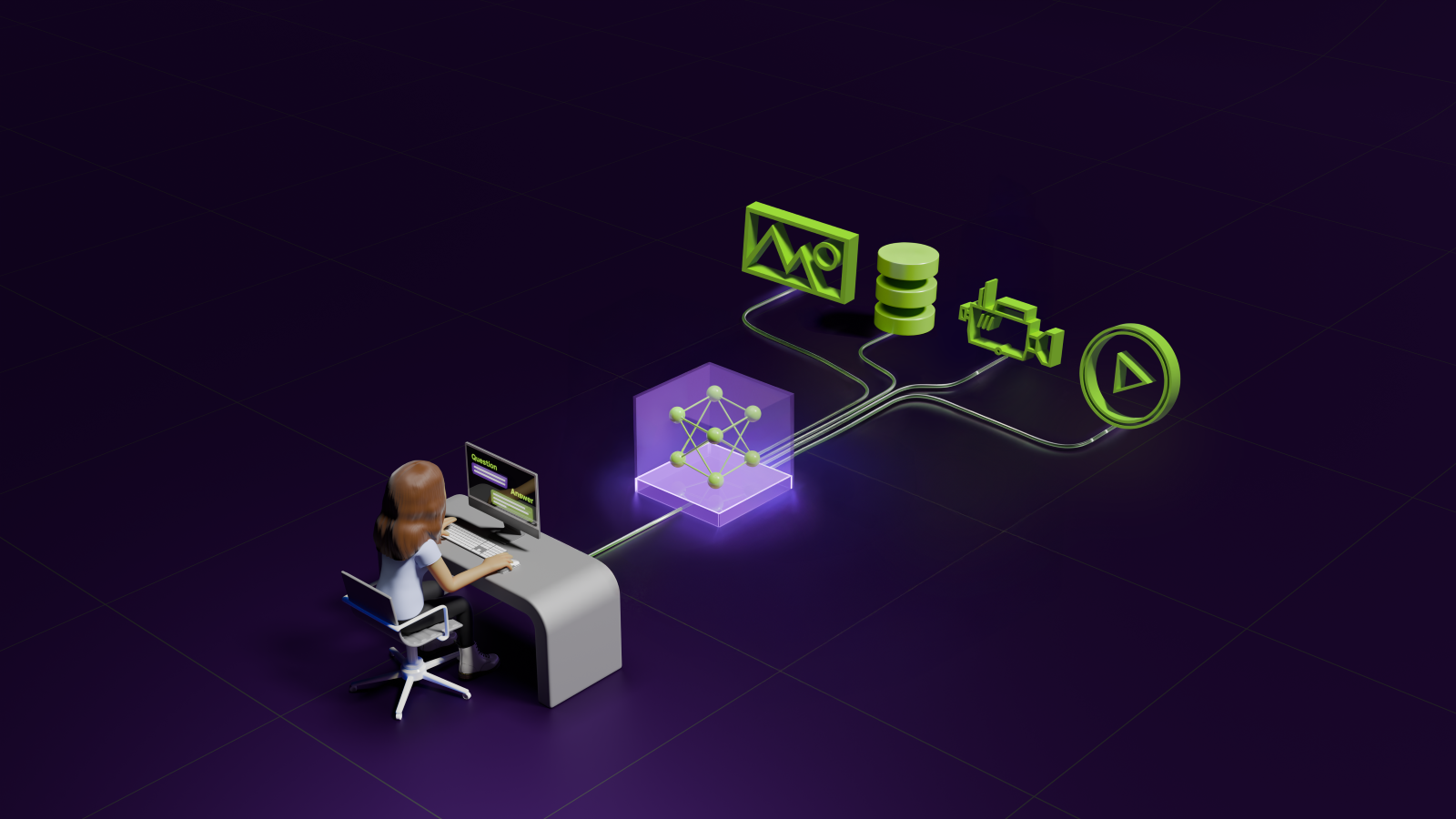
Video is the hardest modality because it combines everything from above and much more. A video model does not just need to recognize what appears in one frame. It needs to understand what changed over time.
Google’s Vertex AI documentation includes video understanding with Gemini, showing how developers can add videos to model requests through the API. Gemini docs also emphasize long-context understanding across unstructured images, videos, and documents. NVIDIA’s Nemotron 3 Nano Omni announcement also points in the same direction: enterprise multimodal agents that reason across video, audio, image, and text in one system.
For product architecture, video usually requires more preprocessing than text or images:
Source: https://blogs.nvidia.com/blog/ai-blueprint-video-search-and-summarization/
This is especially useful for product teams building tools around support recordings, QA sessions, user interviews, training materials, or surveillance-like review systems.
The limitation of video AI tools is cost and complexity. Video eats tokens, storage, compute, and latency. Frame sampling can miss key events. Full video reasoning is still expensive compared with text or image workflows. For many products, the best approach is hybrid: extract audio, sample important frames, detect scene changes, then let the model reason over the compressed timeline.
So, the practical rule is this: use video AI tools when the time dimension carries important meaning. If a single screenshot tells the whole story, video is probably too much.
AI product development is now moving to being multimodal.
The classic AI assistant was basically a text box with better autocomplete. The next version is more like a context-aware operator.
A user can upload a PDF, speak a question, attach a screenshot, paste a spreadsheet, and ask for an action. The assistant should understand all of that as one request.
In our multimodal case, text handles reasoning and instruction-following. Document parsing handles PDFs and spreadsheets. Voice input improves speed. Text to voice AI can turn the final answer into spoken output for mobile, accessibility, or hands-free use cases.
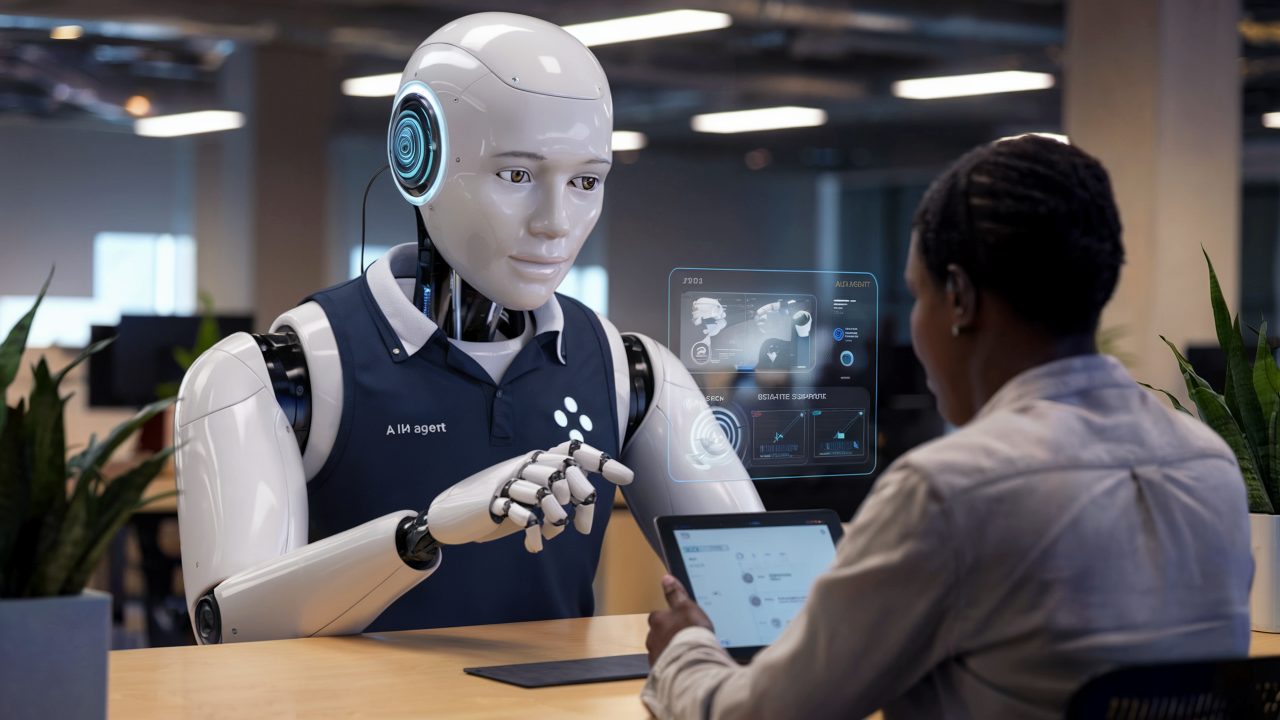
Smart support is one of the strongest use cases for multimodal AI because support tickets are rarely clean. A better support flow looks like this:
Image recognition AI becomes very practical. It can detect visible UI states, warning messages, broken layouts, disabled buttons, missing data, or failed checkout screens. Good image AI solutions can also classify screenshots by issue type, extract text from UI captures, and route tickets to the right team.
Source: https://www.linkedin.com/pulse/reimagining-customer-support-role-ai-agents-enhancing-ali-soofastaei-cnssf/
For support teams, multimodal AI can help with:
The main warning: do not let the model directly close complex tickets without validation. Smart support should reduce manual work, but it shouldn’t hide failure states behind confident AI replies.
Medical diagnostics is the highest-stakes use case here, so the wording needs to be careful: multimodal AI should support clinicians. But in no way can it replace them.
Healthcare data is naturally multimodal. A patient case can include:
Text-only AI can summarize records. Multimodal AI can connect more signals.

Source: https://pennstatehealthnews.org/2023/07/the-medical-minute-ai-nothing-new-to-health-care-but-enhancements-offer-possibilities-pitfalls/
For example, a clinical assistant might analyze physician notes, compare lab trends, review imaging metadata, and generate a structured summary for a doctor. In another workflow, speech input can capture patient symptoms during intake, while text-to-speech AI can provide post-visit instructions in a more accessible format.
Still, in this industry, we have to be careful, because literally life is at stake. Medical image analysis requires strict validation, regulatory review, clinical oversight, and carefully measured performance across patient populations. A model that works well on clean benchmark data can still fail in real hospitals.
E-commerce search is where multimodal AI can directly improve conversion. Most product search is still too text-heavy. Even though shoppers often think visually.
This is a perfect use case for image recognition. The model can detect color, material, shape, product type, pattern, style, and sometimes brand-like visual cues. Combined with embeddings and product metadata, it can power visual search that feels much closer to how people actually shop.
Common e-commerce use cases include:

Source: https://www.netguru.com/blog/using-generative-ai-for-packshots-in-ecommerce
The important part is that visual search should not work alone. Image similarity needs to be combined with price, availability, sizing, user intent, shipping rules, and business logic. Otherwise, the AI may find visually similar items that are useless to the buyer.
The real advantage of multimodal AI development is not that the product supports more file types. It is that the product can reason across them. A support agent can connect a screenshot with a log entry. A design tool can compare a mockup with a brand guide. A medical assistant can summarize notes alongside lab results. An ecommerce search engine can combine a reference image with a price range and user intent.
So coming straight to the benefits:
That is why multimodal products win: they are closer to real human workflows, they collect richer context, and they make AI feel less like a separate tool and more like part of the product itself.
The main issue is simple: every modality has its own format, failure mode, latency profile, cost structure, and privacy risk. Text is cheap and easy to store. Video is expensive. Voice is latency-sensitive. Images can hide critical details in one corner. Documents can break parsing. User context can be sensitive. And the model still needs to reason over all of it without inventing facts.
So where exactly does it fall short and need more attention:
The most challenging aspect of multimodal AI is not accepting more input types. It's making those inputs reliable, aligned, secure, searchable, and useful.
The teams that win will be the ones that build the boring infrastructure around them: evals, permissions, preprocessing, fallbacks, cost routing, and observability.
And that is the true technical challenge — turning impressive multimodal demos into products people can trust.
Quantum Core approaches multimodal AI development as product architecture first. The goal is simple: build AI systems that understand real user context and turn it into useful product actions.
We start by mapping the real user workflow before touching the model layer.
That means defining:
This keeps the product practical.
A serious multimodal app needs a pipeline, not a single model call. Quantum Core typically builds around this flow:
ingest – preprocess – retrieve – reason – validate – act – monitor
Each layer has a job.
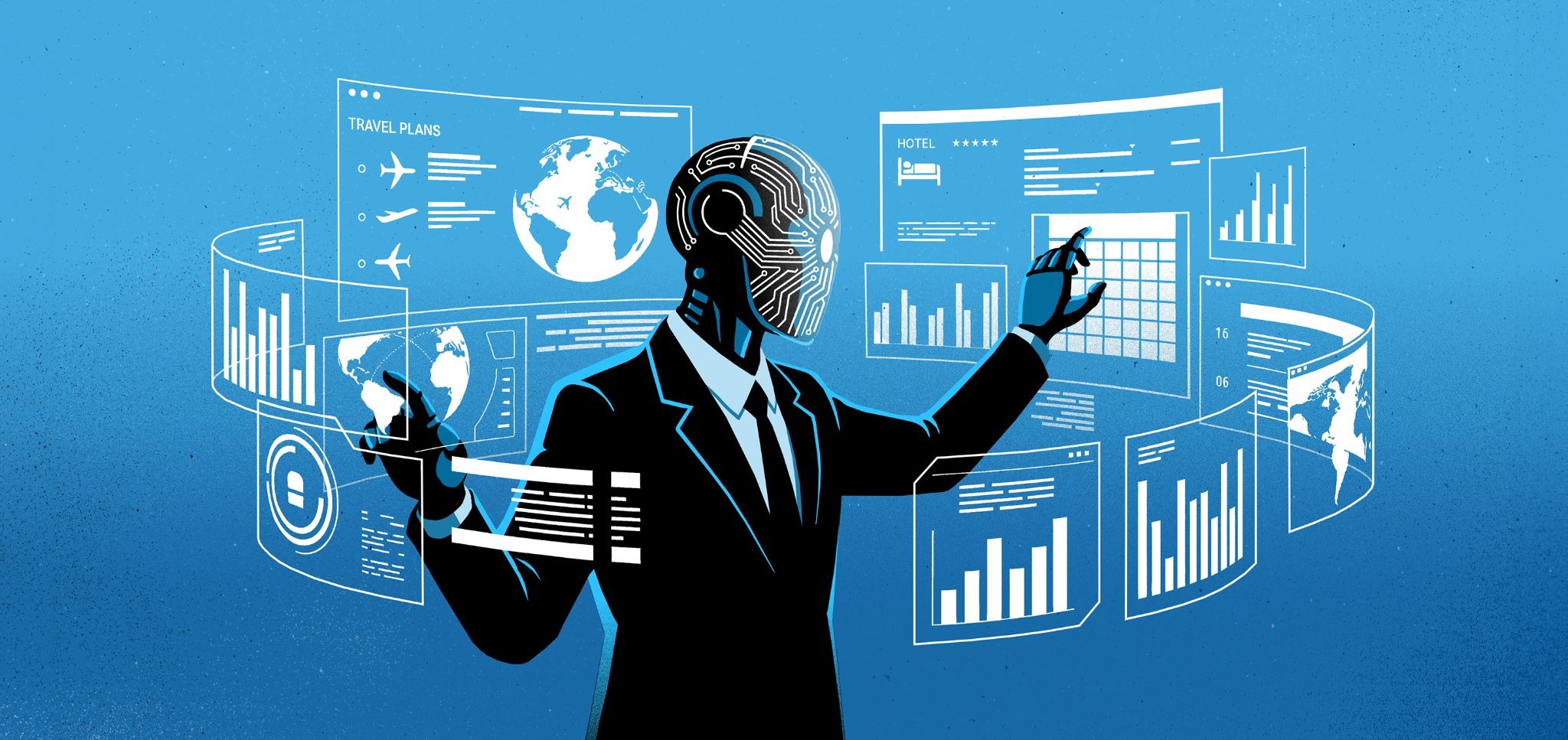
We’re confident it doesn't need to send every task to the largest available model. Instead, the system routes tasks across specialized components. This approach keeps performance under control while still using strong models where they actually matter.
Source: https://mitsloan.mit.edu/ideas-made-to-matter/agentic-ai-explained
Multimodal apps fail when they send too much, too little, or the wrong context to the model.
Our specialists design the context layer carefully:
Multimodal apps often handle sensitive information by default. Screenshots, voice recordings, internal files, user documents, and product data can all contain private details.
We build security into the architecture through role-based access control, permission-aware retrieval, PII redaction, secure file handling, audit logs, data retention rules, and human approval flows. Then we evaluate the results testing around the full pipeline.
The final layer is product integration. Quantum Core connects multimodal AI into the actual system: dashboards, CRMs, ERPs, support tools, internal knowledge bases, ecommerce platforms, mobile apps, or custom software.
That is the core idea: multimodal AI only creates value when it is properly integrated into the product layer. The model is just one part of the system. The real work is in the architecture.
That is where Quantum Core can help.
If your product needs to understand text, voice, images, video, documents, or structured business data in one workflow, we can design and build the integration around your actual use case.
Contact Quantum Core to plan your multimodal AI integration and turn mixed user context into real product action.


Lorem ipsum dolor sit amet, consectetur adipiscing elit. Suspendisse varius enim in eros elementum tristique. Duis cursus, mi quis viverra ornare, eros dolor interdum nulla, ut commodo diam libero vitae erat. Aenean faucibus nibh et justo cursus id rutrum lorem imperdiet. Nunc ut sem vitae risus tristique posuere. uis cursus, mi quis viverra ornare, eros dolor interdum nulla, ut commodo diam libero vitae erat. Aenean faucibus nibh et justo cursus id rutrum lorem imperdiet. Nunc ut sem vitae risus tristique posuere.
Reply